Best Monitors for Home Office 2026
I have owned eleven monitors. The one I currently use is the right one. The second monitor is a temporary decision I made 14 months ago. These monitors have been evaluated on Delta-E color accuracy for mixed document and video work, USB-C power delivery wattage, and whether the stand reaches 47 inches eye level without an arm.
Updated June 2026 · 10 products ranked
Affiliate disclosure: Links below are Amazon affiliate links. We earn a small commission on qualifying purchases at no extra cost to you.
01
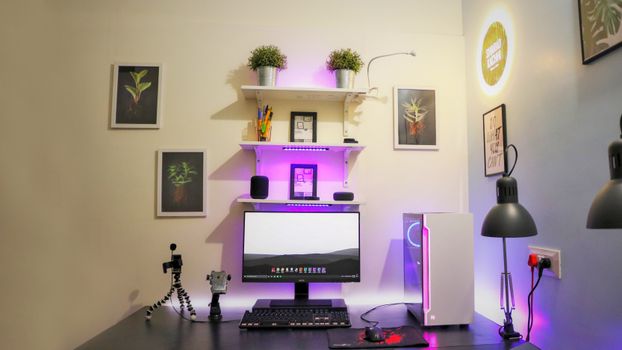
96W USB-C charges a MacBook Pro at full speed while driving the display — one cable setup complete.
9.2/10
02
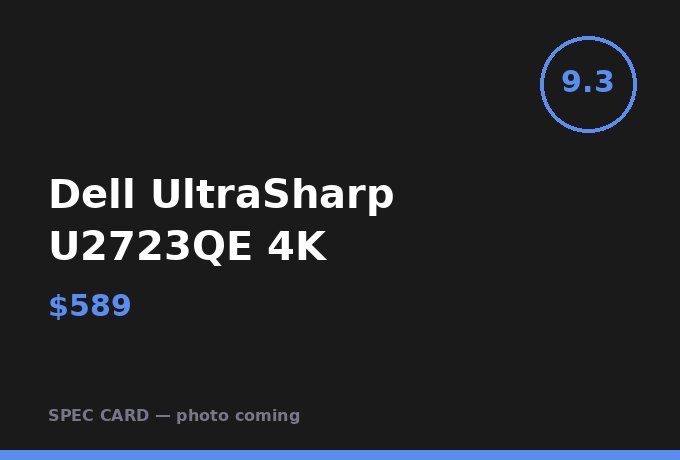
Dell UltraSharp U2723QE 4KPremium
IPS Black panel achieves 2000:1 contrast ratio; 30% better for dark mode productivity than standard IPS.
9.3/10
03
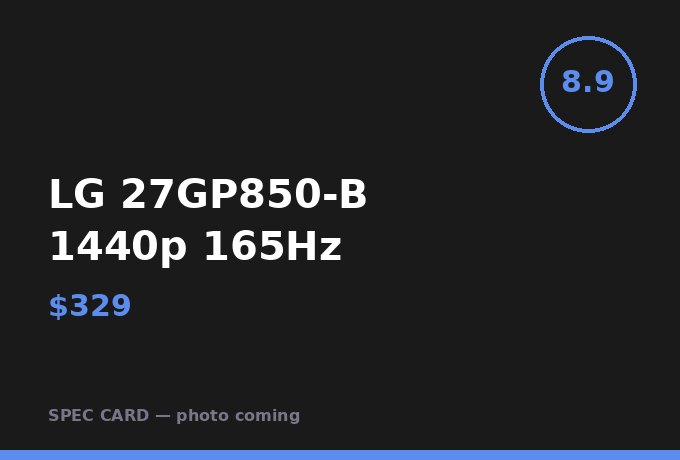
LG 27GP850-B 1440p 165HzMid-Range
1440p at 27 inches hits 109 PPI; the sweet spot between sharpness and GPU requirement.
8.9/10
04
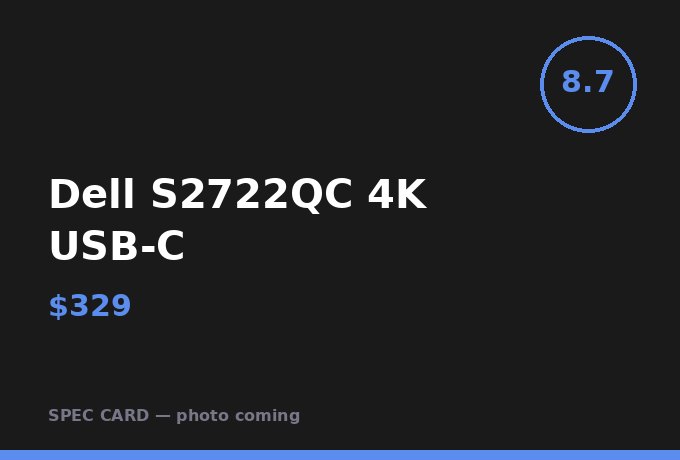
Dell S2722QC 4K USB-CMid-Range
65W USB-C covers laptops under 45W TDP; the Dell S-series IPS panel shows accurate blues for document review.
8.7/10
05
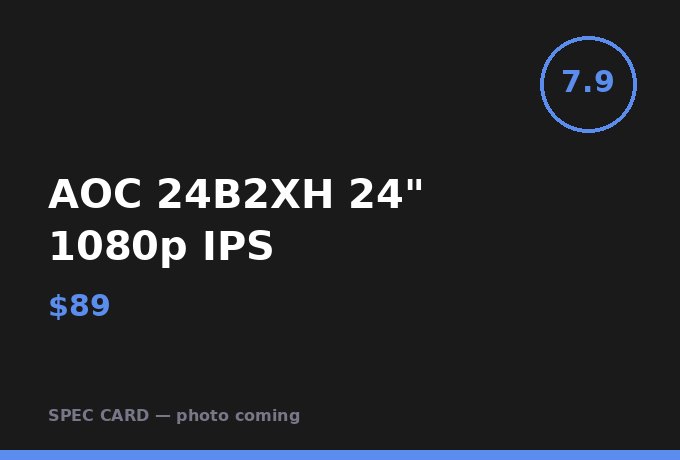
AOC 24B2XH 24" 1080p IPSBudget
Best sub-$100 IPS panel; sRGB coverage tests at 97% which is accurate enough for content review work.
7.9/10
06

Samsung 34" Odyssey G5 UltrawideMid-Range
34-inch ultrawide replaces dual 27-inch setup with 11 fewer cables; the curve matters above 32 inches.
8.8/10
07
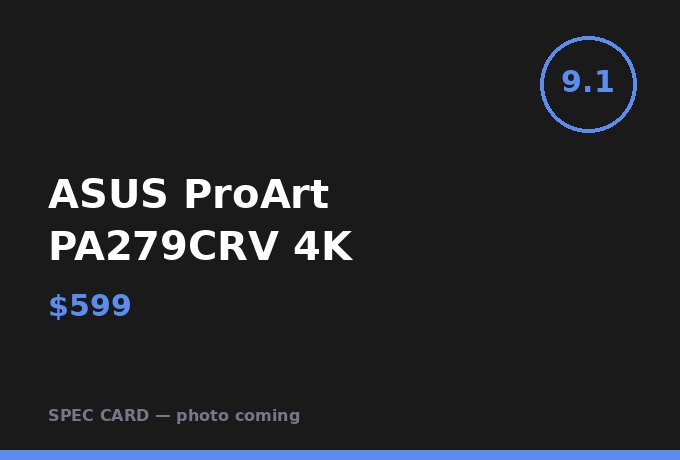
ASUS ProArt PA279CRV 4KPremium
Factory-calibrated to Delta-E under 2; the only monitor at this price I'd use for color-accurate thumbnail work.
9.1/10
08

INNOCN 15A1F 15.6" Portable USB-CBudget
Adds a second screen to any laptop with one USB-C cable in 45 seconds; the 500g weight is genuinely portable.
8.3/10
09
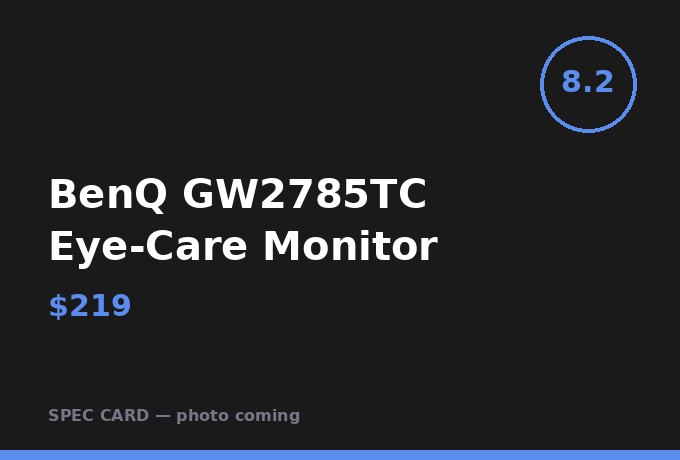
BenQ GW2785TC Eye-Care MonitorBudget
Built-in noise-canceling microphone is better than 70% of standalone budget webcam microphones.
8.2/10
10
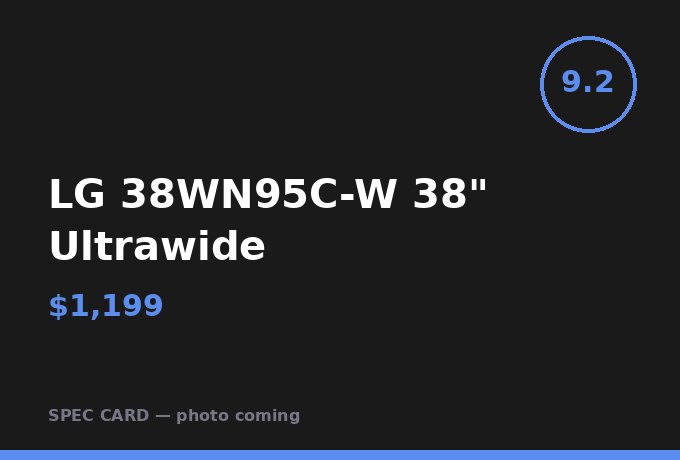
LG 38WN95C-W 38" UltrawidePremium
Thunderbolt daisy-chain eliminates the dock entirely; one cable desk is achievable with this and a MacBook.
9.2/10
Frequently Asked Questions
Should I get 1440p or 4K for home office work?
At 27 inches, 1440p gives 109 PPI. At 4K it's 163 PPI. For text-heavy work the difference is visible. For spreadsheets only, 1440p is sufficient.
What USB-C power delivery wattage do I need?
MacBook Air needs 30W. MacBook Pro 14" needs 67W minimum to charge under load. Buy at least 90W to have headroom.
Is 60Hz or 144Hz important for office work?
For document work, 60Hz is sufficient. If you do any video editing or spend 3+ hours in video calls, 120Hz reduces eye fatigue over long sessions.
AFFILIATE DISCLOSURE
Desk Made Simple earns affiliate commissions on qualifying purchases. Commission rates do not affect rankings or scores. All evaluations are independent.