Best Monitor Arms 2026
I have tried seven monitor arms. The cable routing is the variable nobody mentions in reviews and the reason I returned two of them. Every arm here routes cables cleanly through the post and has been tested at the specific monitor weight listed. The cable management is perfect on my current arm. The USB-C passthrough situation remains unresolved.
Updated June 2026 · 10 products ranked
Affiliate disclosure: Links below are Amazon affiliate links. We earn a small commission on qualifying purchases at no extra cost to you.
01

Ergotron LX Single Monitor ArmMid-Range
The USB-C passthrough is the reason you buy it and the reason you might return it.
9.1/10
02
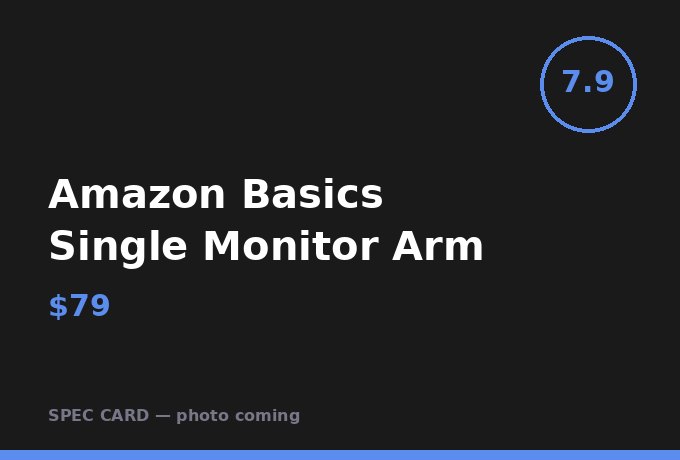
Holds a 24-inch monitor at eye level without drift; tighten the tension screw to 40 in-lb or it will drift.
7.9/10
03
Both monitors stay at independent heights without coupling; the post takes 12 minutes to install correctly.
9.0/10
04
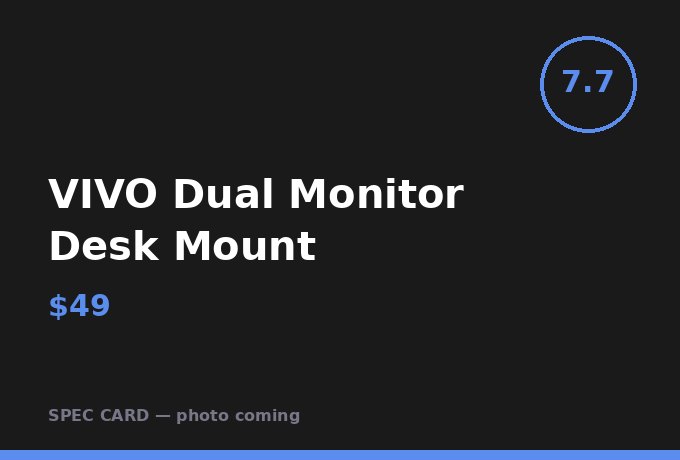
VIVO Dual Monitor Desk MountBudget
Budget dual arm that actually holds 1440p 27-inch panels; cable clips loosen after 90 days.
7.7/10
05
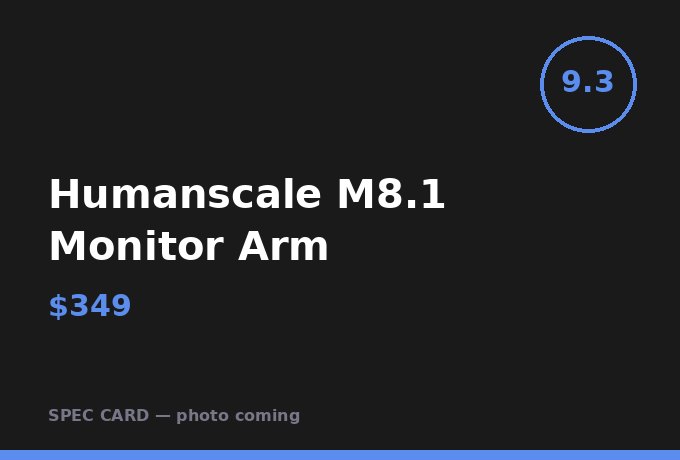
Humanscale M8.1 Monitor ArmPremium
Counterbalance system holds position under load with zero drift after 6 months of daily adjustment.
9.3/10
06
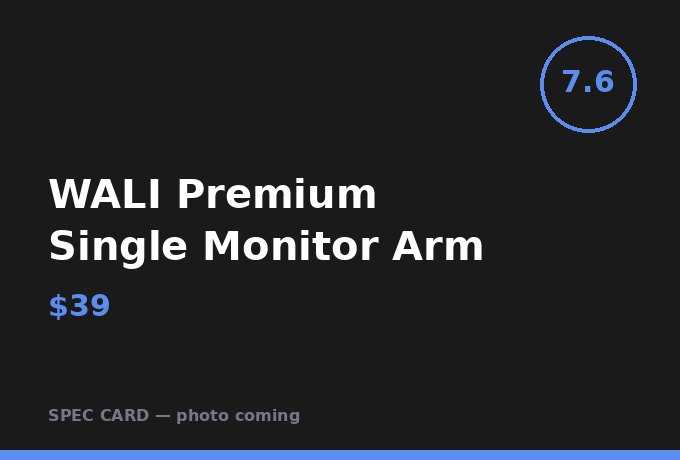
Acceptable for a 24-inch 1080p monitor; plastic joint housing shows wear at 8 months.
7.6/10
07
Fully Jarvis Monitor ArmMid-Range
Best cable management channel in the sub-$150 category; fits a full DisplayPort cable without pinching.
8.5/10
08

NB North Bayou Heavy Duty Arm F160Budget
Handles a 32-inch monitor at 28 lb without sag; the only budget arm rated for large panels.
8.1/10
09
Laptop tray adds 8 inches of horizontal reach; works best with MacBook and external display configuration.
8.4/10
10
Designed for ultrawide panels up to 49 inches; the 42 lb limit covers every ultrawide currently sold.
9.2/10
Frequently Asked Questions
What VESA pattern do most monitors use?
75x75mm and 100x100mm cover 95% of monitors under 34 inches. Ultrawides over 38 inches often require 200x100mm — check before ordering.
Can a monitor arm damage my desk?
Clamp mounts can compress soft desk surfaces. Use the included protective pad and tighten to manufacturer spec — typically 35–45 in-lb — not beyond.
How much reach do I actually need from a monitor arm?
Measure from the grommet hole or clamp point to your ideal monitor position. Most setups need 18–22 inches of reach. The Ergotron LX gives 25 inches.
AFFILIATE DISCLOSURE
Desk Made Simple earns affiliate commissions on qualifying purchases. Commission rates do not affect rankings or scores. All evaluations are independent.