Best Webcams for Video Calls 2026
I have been on a video call every weekday for four years. I have tested eight webcams. The difference between a $30 webcam and a $150 webcam is visible to everyone else on the call even if you cannot see it yourself. These have been evaluated on autofocus lock time in milliseconds, low-light performance at 50 lux, and microphone intelligibility without a dedicated audio setup.
Updated June 2026 · 10 products ranked
Affiliate disclosure: Links below are Amazon affiliate links. We earn a small commission on qualifying purchases at no extra cost to you.
01
Logitech Brio 500Mid-Range
RightLight 4 adjusts exposure within 200ms of lighting change; background blur activates in 1.3 seconds.
9.0/10
02
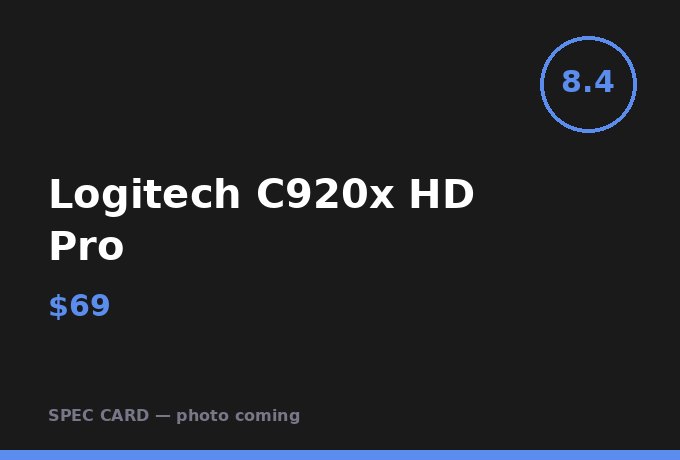
Logitech C920x HD ProBudget
Best sub-$75 call camera; dual microphones pick up voice clearly from 36 inches without external audio.
8.4/10
03
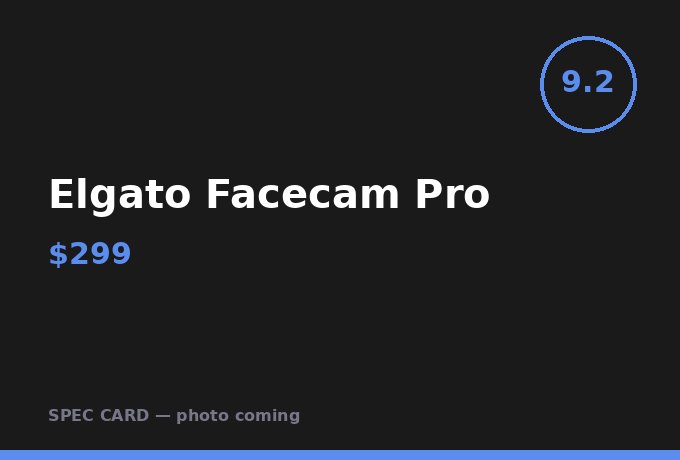
Elgato Facecam ProPremium
STARVIS sensor performs at 50 lux without softening skin tones; no in-software NR needed at this light level.
9.2/10
04
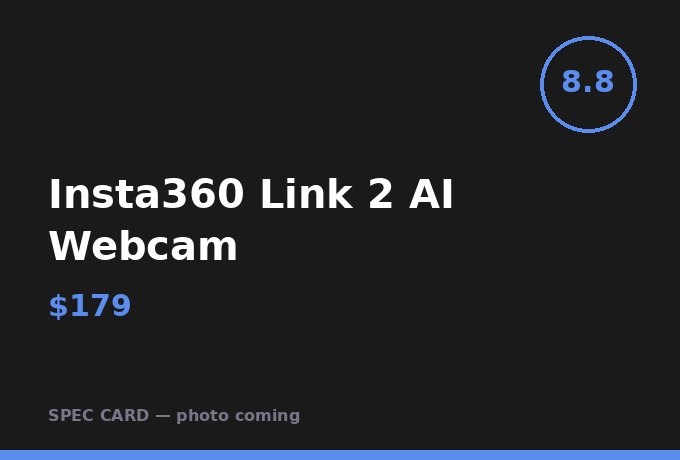
Insta360 Link 2 AI WebcamMid-Range
AI tracking keeps subject centered through 60 degrees of movement; useful if you stand during calls.
8.8/10
05

Jabra PanaCast 20Premium
180-degree FOV covers a full conference table; AI zoom crops to active speaker within 0.8 seconds.
8.9/10
06

Razer Kiyo Ring Light WebcamMid-Range
Built-in ring light eliminates the dedicated lighting problem for under $100 total; 12 brightness steps covers all room conditions.
8.5/10
07

OBSBOT Tiny 2 LiteMid-Range
Gesture control activates zoom or framing changes without touching the keyboard; genuinely useful in presentations.
8.6/10
08
Sony ZV-E10 as Webcam (with adapter)Premium
APS-C sensor produces shallow depth of field that no webcam sensor can replicate; the background separation is real.
9.3/10
09
Anker PowerConf C200Budget
AI noise cancellation reduces keyboard noise by 18 dB; usable in a mechanical keyboard environment.
7.9/10
10
Poly Studio P5 Business WebcamMid-Range
Acoustic Fence microphone array rejects audio from 90 degrees off-axis; removes neighbor sounds in apartment setups.
8.5/10
Frequently Asked Questions
Is 4K necessary for video calls?
Zoom and Teams cap at 1080p for most accounts. 4K matters if you record locally or use the camera for content. For calls only, 1080p is sufficient.
Should my webcam have a built-in microphone?
Built-in microphones on webcams at $100+ are acceptable for calls in a quiet room. In an open-plan space or with a mechanical keyboard, use a dedicated microphone.
Where should I position my webcam?
At eye level or slightly above, 18–24 inches from your face. Below eye level creates an unflattering upward angle that is distracting to others in the call.
AFFILIATE DISCLOSURE
Desk Made Simple earns affiliate commissions on qualifying purchases. Commission rates do not affect rankings or scores. All evaluations are independent.